


















 01
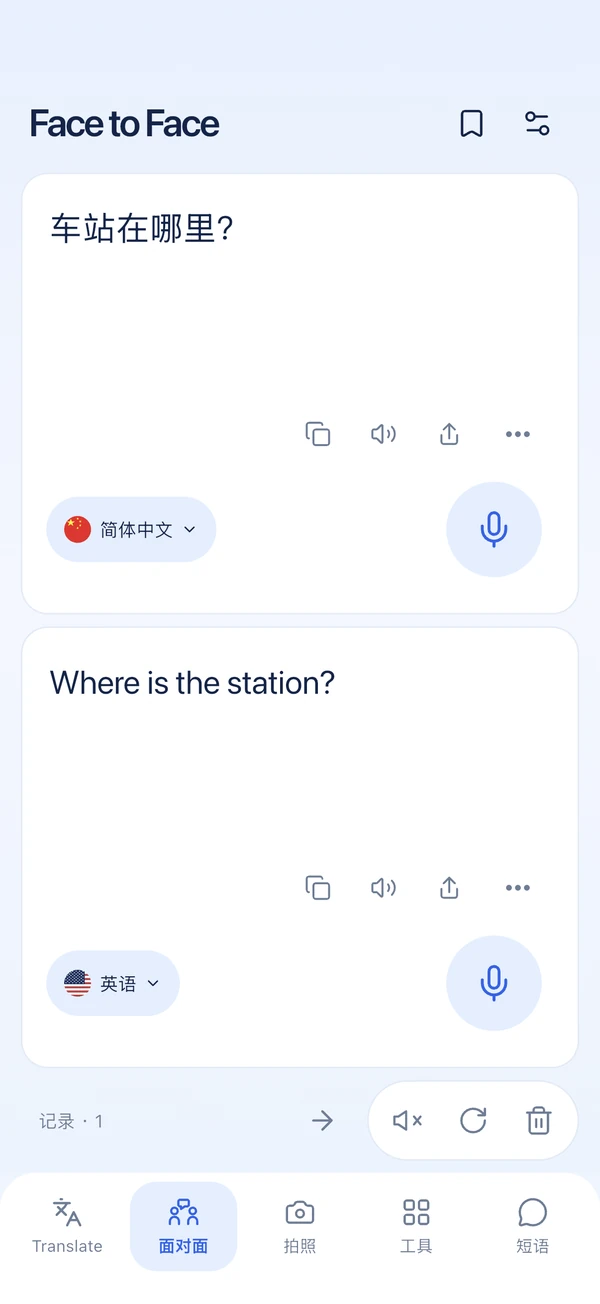
Face-to-face translation
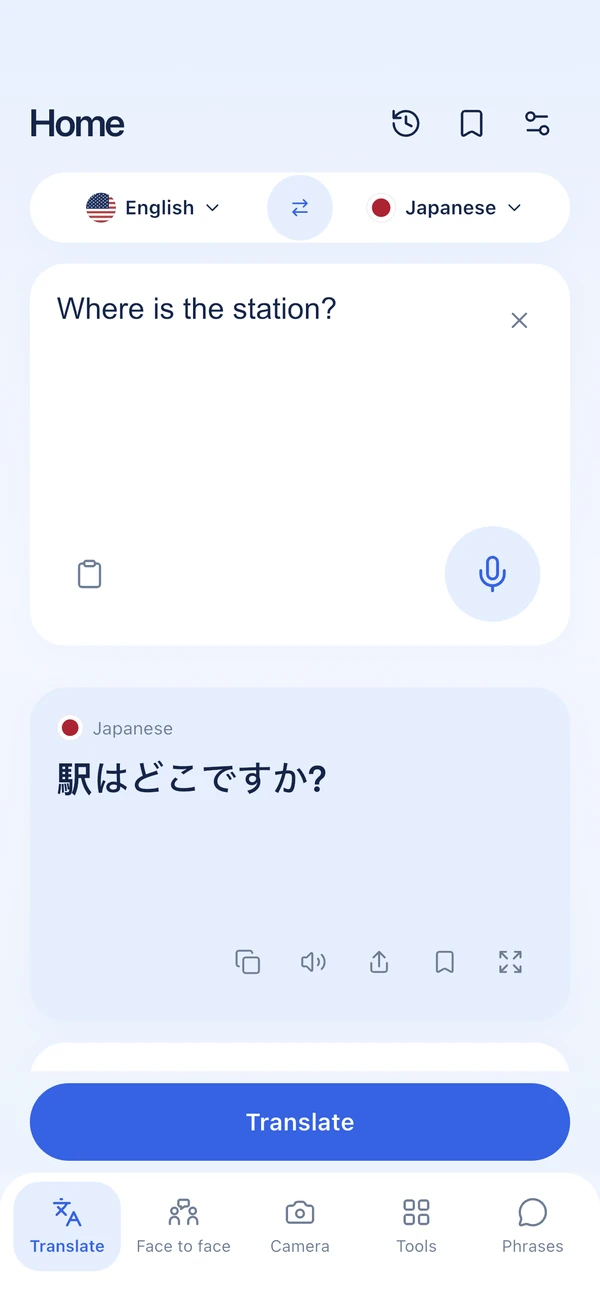
Translate your speech, or use face-to-face mode for two-way conversations.
 Translate Hub

TRANSLATE HUB · iOS 18+
Translate your speech, or use face-to-face mode for two-way conversations.
TRANSLATE HUB
01Translate your speech, or use face-to-face mode for two-way conversations.
 02
Take a photo to translate menus, signs, and printed text.
 03
Import documents or audio files. Save translations to use again.
 04
Browsing web pages, bilingual reading
Face-to-face translation
Translate your speech, or use face-to-face mode for two-way conversations.
Translation, speech recognition, text recognition and read-aloud have different language support. A language may support online text translation without supporting every input method or offline translation on your device.
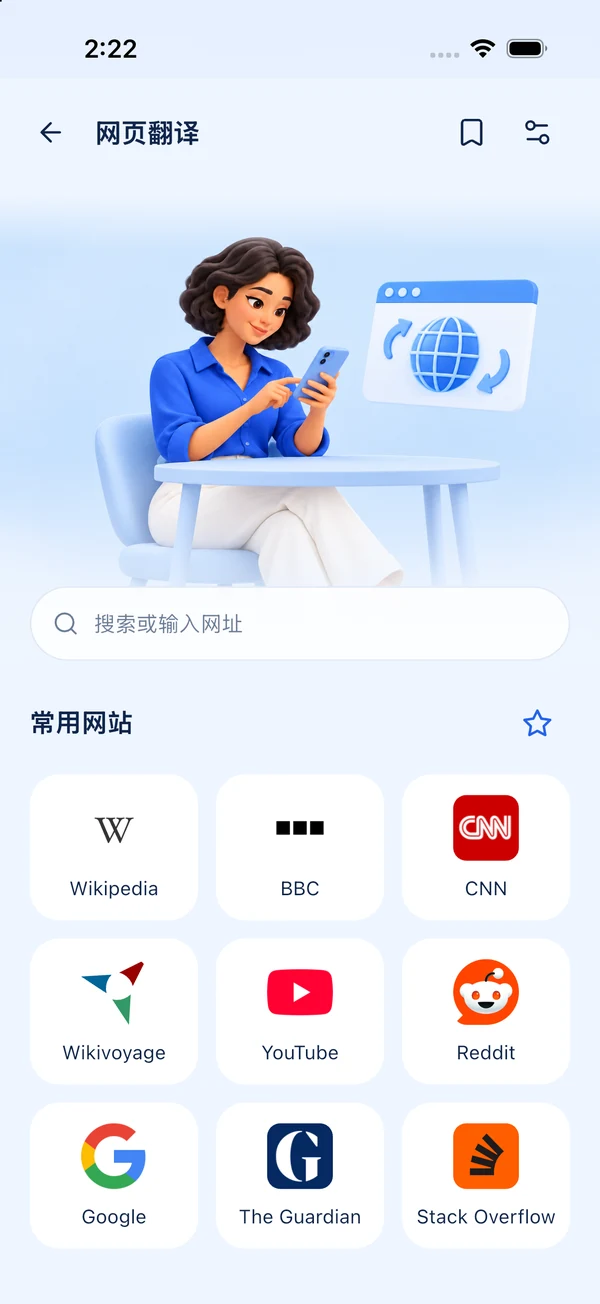
Web page translation
Google Translate provides online text translation through Google Cloud Translation. This includes text extracted from photos, documents and webpages. Review important translations before using them.
TRANSLATE HUB
Open Offline languages to download supported models. When a model is available, text translation works on your device. Some languages still require online translation. Speech recognition has its own availability and network requirements.
Check microphone and speech recognition permissions in App permissions. If the selected language cannot be recognized on this device, type your text or choose another language. An internet connection may be required.
Use clear, well-lit text and keep the camera steady. Review the extracted text before translating again. If the camera is unavailable, choose an image from your photo library.
Translation, speech recognition, text recognition and read-aloud have different language support. A language may support online text translation without supporting every input method or offline translation on your device.
Conversations, photos, files and webpages. One app to help you understand more.